





Over the years, we have seen our clients implement QBank to solve numerous challenges, one of which is to efficiently communicate assets within a certain context and suited for a specific target group. In the QBank world, a typical setup normally consists of a back- and frontend.
The back end is the standard QBank DAM system used by content contributors and administrators to manage uploads, tagging metadata, setting access rights and handling deployment to various available channels. A publishing channel can be an Episerver, Sitecore or SharePoint installation, or a custom-built frontend.
What exactly is a front end?
As a company or organization, you spend a lot of time, money and effort producing great looking product shots, videos and marketing material. You store them in a state of the art internal DAM system (hint: QBank), available to your sales people, marketing people, and other people within your organisation.
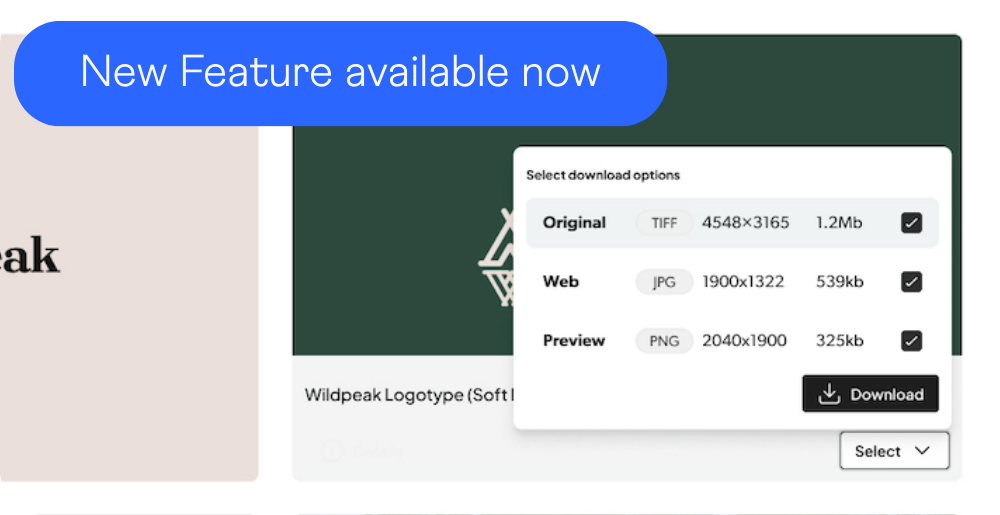
While QBank is used for managing all digital assets, only a subset of those may be published for external consumption - which is where a frontend is typically used. Instead of giving the whole organization access to QBank, most clients opt for making their assets available using a frontend, which could be described as a slimmed down and branded version of QBank itself, focusing on search, filters and distrubution/download. The frontend acts as a natural extension of an existing web site, adding functionality for distributing media assets.
Typical scenarios for front ends
- Press-rooms targeting journalists and media
- Internal media banks
- Partner- or reseller portals
For integrators and partners wishing to build frontends, QBank is providing a feature rich PHP and .NET SDK, which allows for efficient integration of QBank functionality, assets and metadata.
If you have any questions on how a frontend could help you, don’t hesitate to get in touch!
Want to know more about DAM?
Download our free guide "5 tips on getting started on DAM"!