




DAM guides and reports
Guides
Free guides on Digital Asset Management: how to choose a DAM, build the team behind it, set rules for AI content and get more value from your assets.
Guides and white papers
Guide + checklist
How to choose the right DAM for your organization
A practical 7-step framework to align internally before you compare vendors, plus a checklist with 10 key RFP areas.
Get the DAM RFP guide
Guide
Build your DAM Dream Team
The four phases of DAM, the eight roles your team needs and how a team of three can cover them all.
Get the DAM Dream Team guide
Guide
Which branded portal should you build first?
Portal ideas for partners, resellers, press and service users, so each audience finds approved content faster.
Get the branded portals guide
Guide
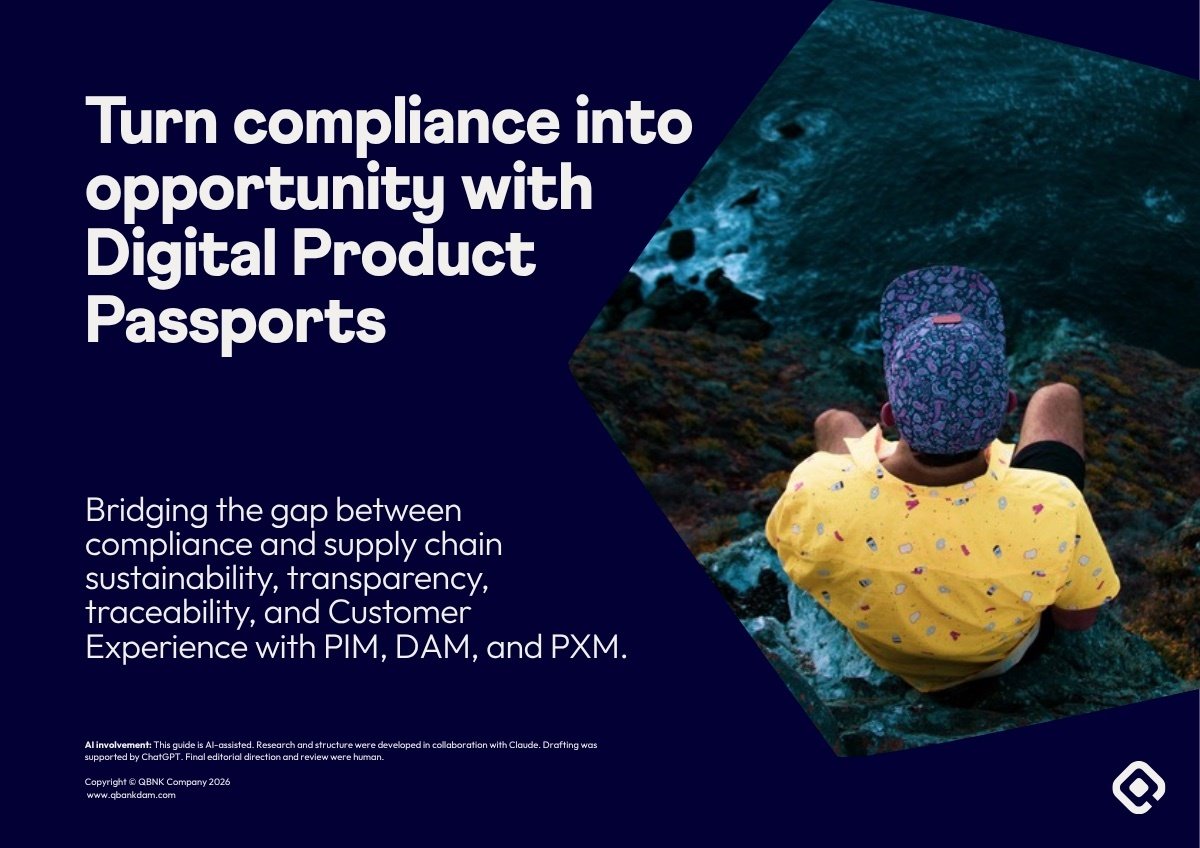
Digital Product Passport guide
How PIM, DAM and PXM help you prepare for DPP compliance, traceability and customer transparency.
Get the DPP guide
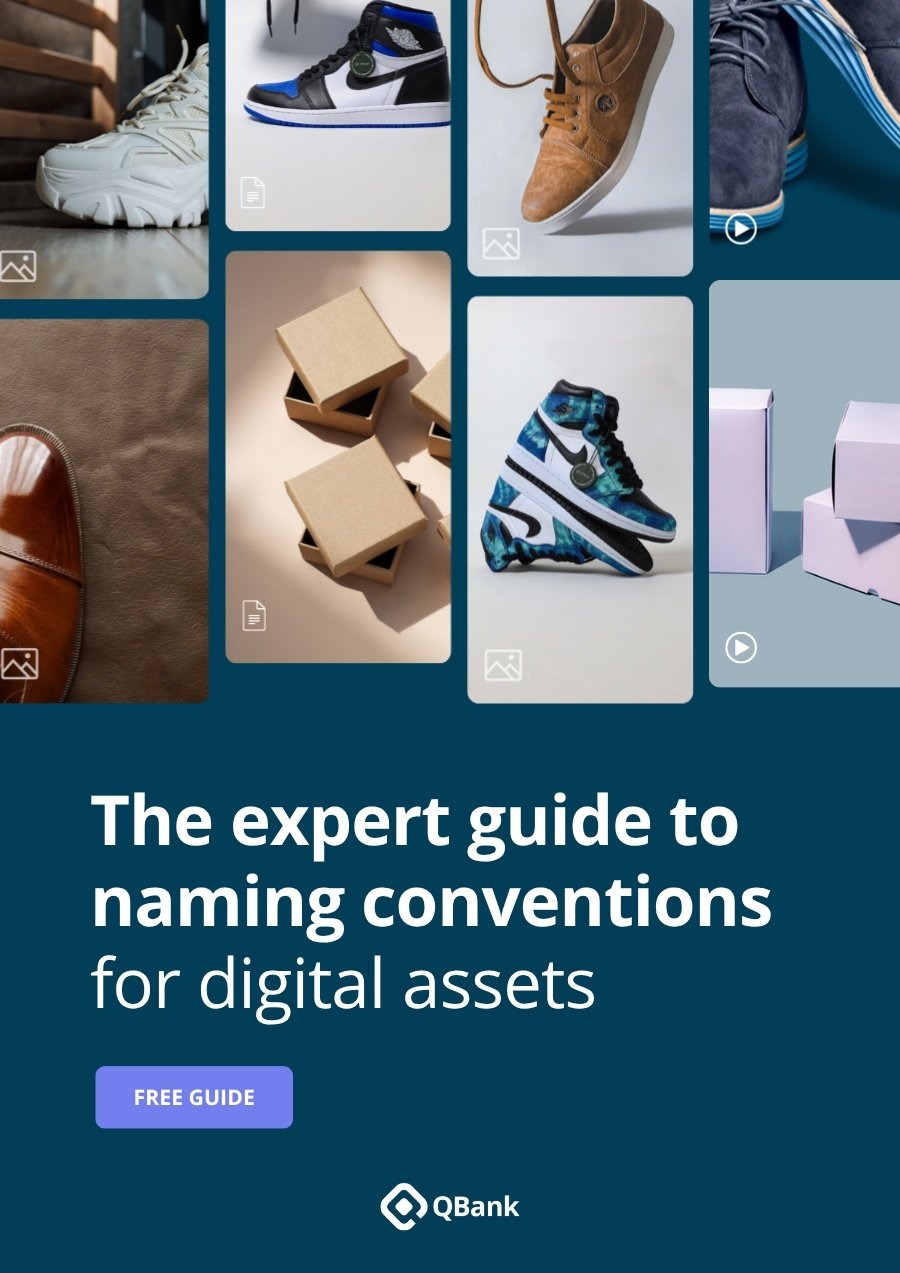
Guide
The expert guide to naming conventions
How to name product photos, people, events, video, press and brand files so every team can find them.
Get the naming guide
Guide · Manufacturing
How DAM improves operations for enterprise manufacturers
The three biggest content management headaches for manufacturing brands, and how a DAM solves them.
Read more
Survey report · Manufacturing
DAM in manufacturing survey report
How global manufacturing customers use QBank to drive their digital asset strategies, and their plans ahead.
Read more
Guide · Retail
QBank and Brandwatch: the power duo for retail
Distribute central campaigns to regions, markets and stores for local social media publishing.
Read more
White paper · PIM
Maximize your PIM with a DAM integration
How a DAM integration completes your PIM.
Read more
White paper · Media formats
How to choose the correct media formats for your DAM
Pick the right format for each file type and optimize your Digital Asset Management.
Read moreQuick answers
How do we choose the right DAM for our organization?
Choosing a DAM is not just about comparing features. Start with what your organization needs to create, control, find, share and activate assets across teams, systems, markets and channels. Then define use cases and stakeholders and map integrations, metadata, governance, scalability and success metrics before you compare vendors.
Get the DAM RFP guideWhat is a branded portal?
A branded portal is a secure, branded self-service space where selected users find and download approved content from your DAM. Partners, resellers, press, agencies, internal teams and service users get the content they need without working inside your DAM, and every audience gets its own on-brand front door.
Get the branded portals guideWhat is a Digital Product Passport?
A Digital Product Passport is a digital record connected to a product, component or material. It can include product identity, materials, sustainability, compliance, usage, repairability, recycling and supply chain traceability. For many companies it is more than a compliance project: it is also about data quality, traceability and customer trust.
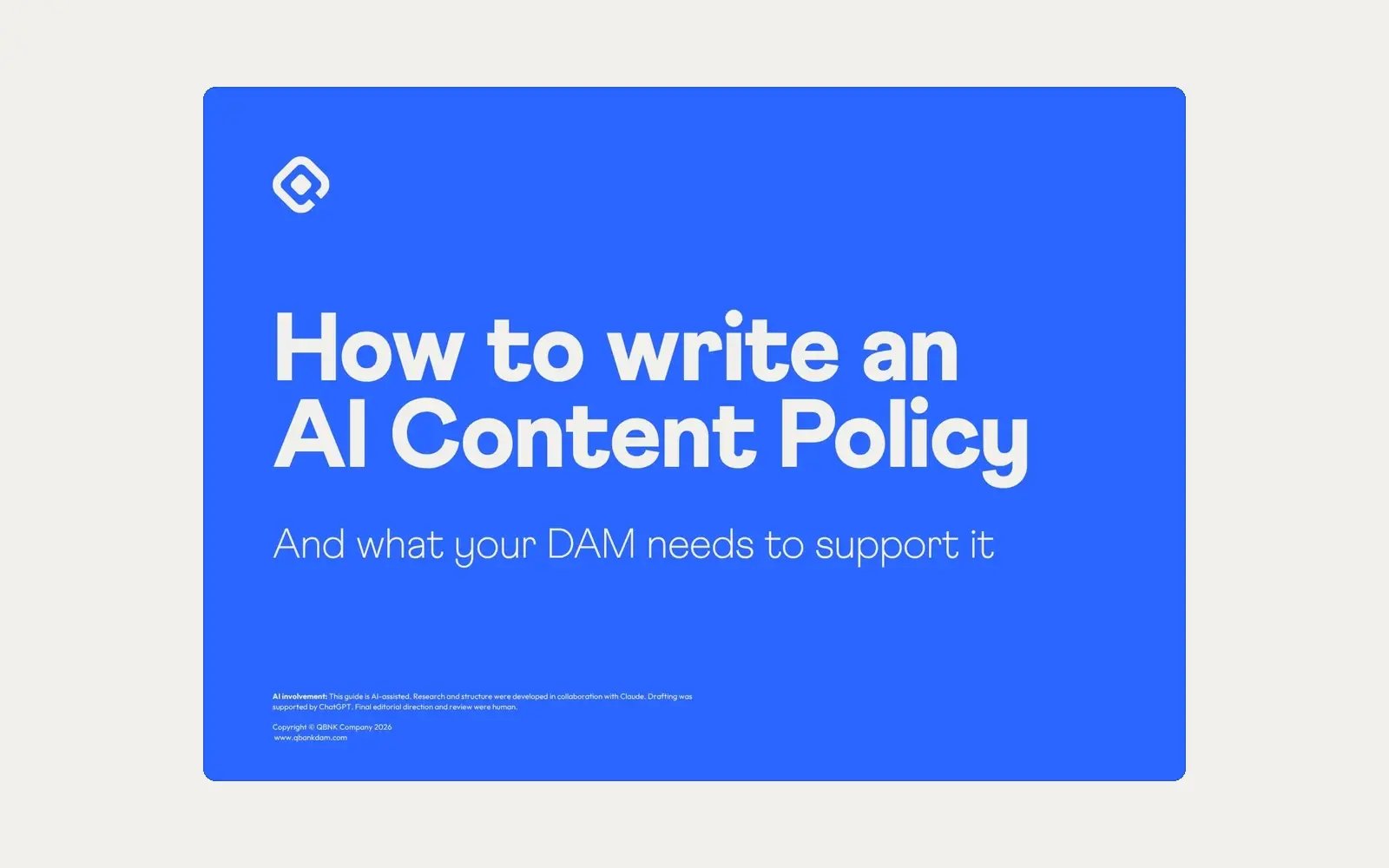
Get the DPP guideWhy do we need an AI content policy?
AI-generated content needs clear processes for disclosure, approval, traceability and distribution. A policy sets the rules for how your teams use AI-generated content, how approvals and disclosure work, and how you keep control across teams and channels. Your DAM is where you put those rules into practice.
Get the AI content policy guideWho should be on a DAM team?
A DAM team covers eight roles, from DAM Administrator and Digital Asset Librarian to Project Manager and Data Analyst, with a DAM Owner who holds it all together. A team of three can cover all eight roles: a DAM Owner, a content lead and a system lead, plus DAM ambassadors in each department.
Get the DAM Dream Team guideWhy do file naming conventions matter?
When many users and channels work with the same assets, inconsistent file names make it almost impossible to work efficiently. You risk duplicates, doing the same work twice or missing files completely. Consistent naming creates a predictable structure, and a DAM like QBank can use it to fill in asset details automatically on upload.
Get the naming guideSee QBank with your own use cases
Tell us how your teams work today. We'll show you how QBank fits your brands, markets and systems.
Book a demo


-1.png?width=400&name=CMS%20(23)-1.png)


