







-1.png?width=400&name=CMS%20(23)-1.png)


UX design lead, QBank DAM
Kristian Sorefelt
25 years of designing products and brands that work and feel right.
Branded Portals are how you activate what lives in QBank DAM: shaping assets into audience‑ready experiences without code. We sat down with Kristian, our lead UX designer, to talk about what’s new for 2025 and how teams use portals to keep brand and speed in the same sentence.
What are partners, press, and resellers expecting from media portals in 2025 that they weren’t expecting say five years ago?
Back then, just being able to store and send files was enough. Today, that’s the bare minimum. People expect speed, smart search, and portals that actually support the way they work. It’s not just about access anymore. it’s about helping them stay on track, collaborate and run campaigns.
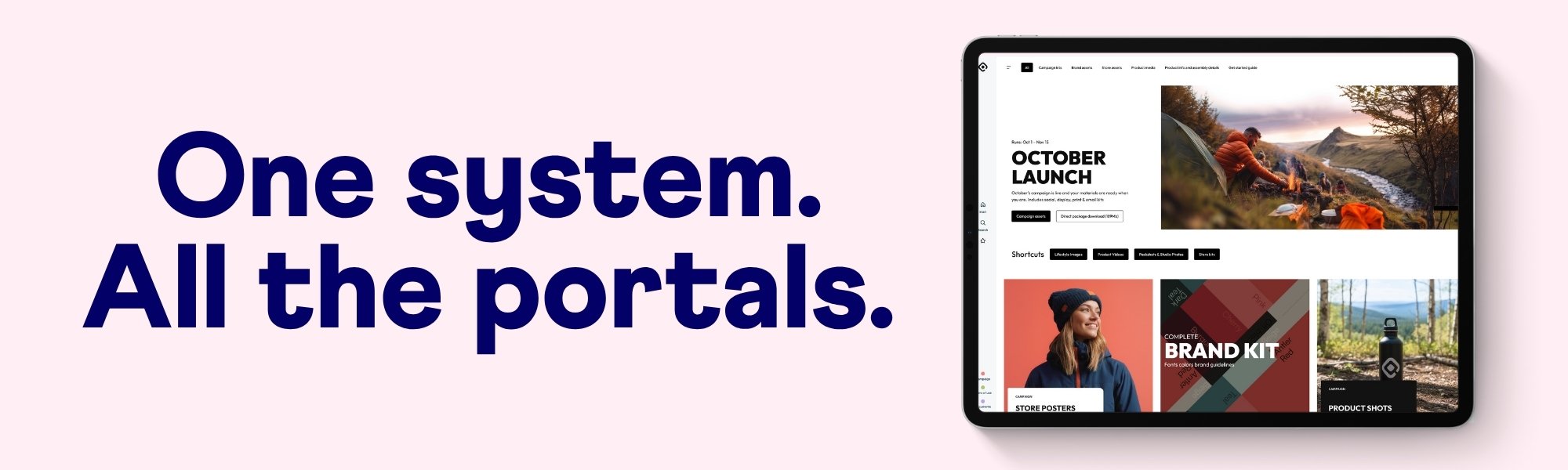
An important part of developing features and functionality in the Branded Portals are client interviews, how would you say those have shaped our development?
They’ve been incredibly valuable and honestly, very fun. Talking directly with users gave us real insight into how people actually use the portals, not just how we assumed they would. We also got to hear what they wish they could do. That kind of input is gold. It’s rare to get that close to your users these days, and it’s helped us build something that earns trust. Not just as a product, but as a brand.
Good UX isn't just to make things look better but actually use the thing. When a portal feels intuitive, people actually use it. Features like the appearance settings and the selection toolbar make this easy. Users can adjust how they browse, find assets by meta data, and download in the right format all without getting lost. With a wider range of toolset available were the users are, we enables a way for a creative and fun way to find assets.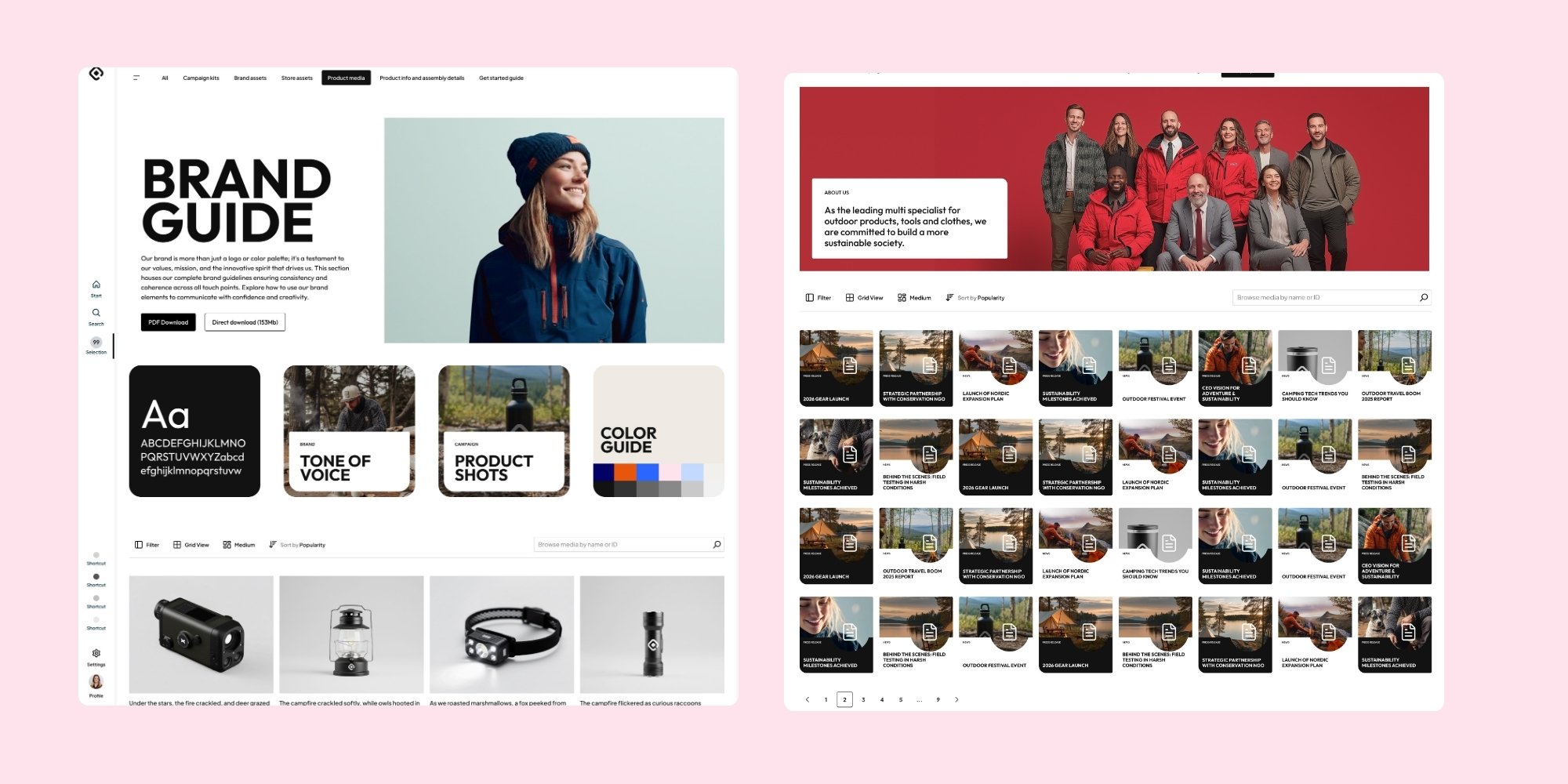
What has the design process been like?
It wasn’t just about improving the product for customers, but also making sure it works for us as a team. We’ve combined interviews, discovery workshops, interface testing with prototypes to find patterns in behavior and expectations. Each insight has shaped design decisions from navigation and structure to how information is visually prioritized to make sure portal supports real workflows and not just assumptions.
Any cool features you can highlight?
So many :) :) The new panel system makes things super easy to stack functionalities for quick access, resulting in a more streamlined workspace. The selection panel lets you download as you go, and the detail view pops in when you need it, so you can double-check you’ve got the right asset before you hit download. It’s all about speed and confidence.
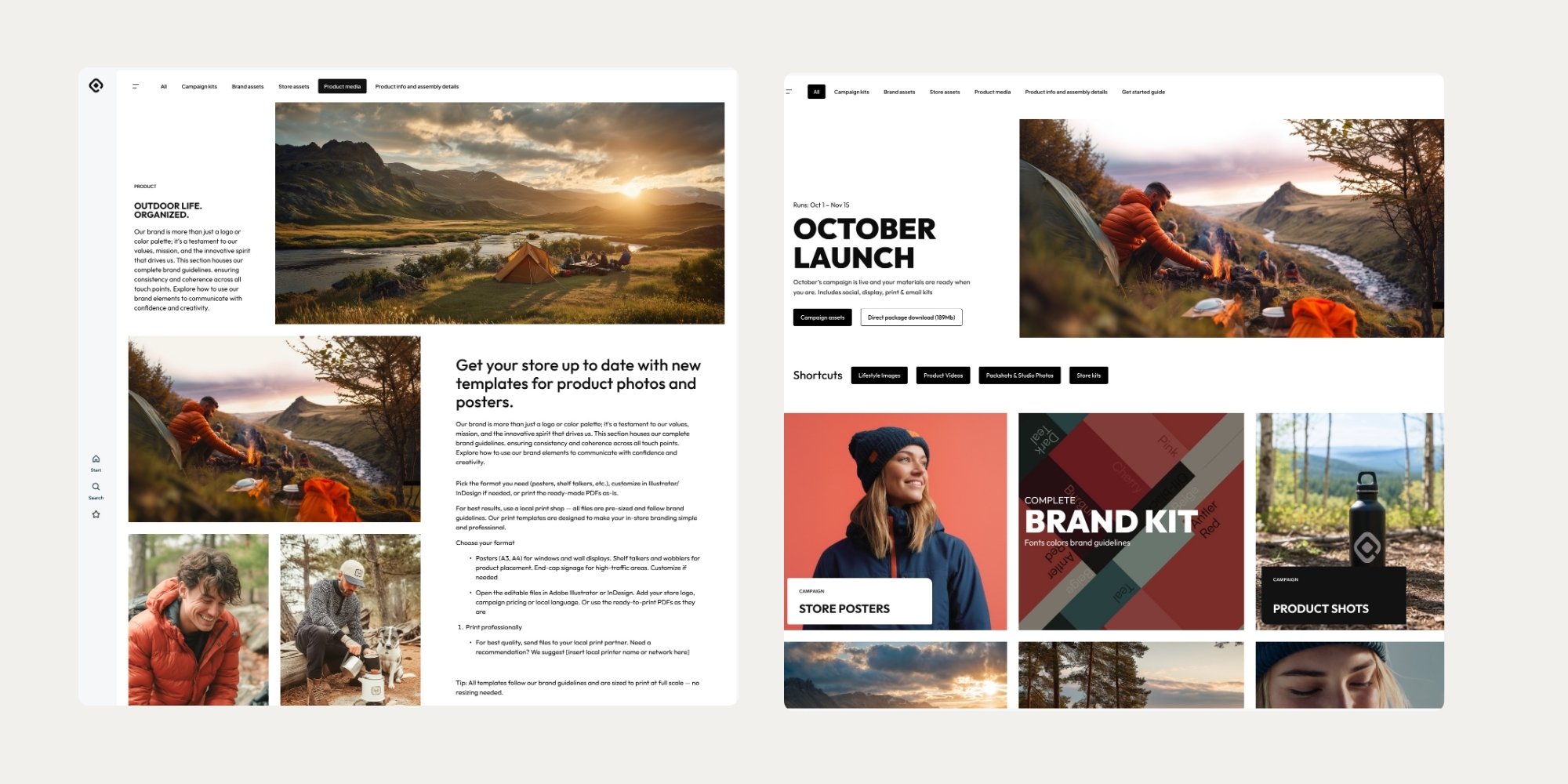
QPortal isn’t just a place to access media. it’s a platform you shape around your audience and purpose. Whether you’re building a reseller portal for stores abroad or a service hub for internal teams QBank supports all types of content and all kinds of users. Brand, press, support whatever the need, you define the setup. With our templates, your creativity sets the limits.
 What’s next
We’re exploring better natural‑language search, deeper video support, and richer usage insights, all within the same simple portal experience you configure yourself.
Learn more about Branded Portals by QBank here
Want to see what you can create? Check out our portal inspiration page here